Step 1
Add your files
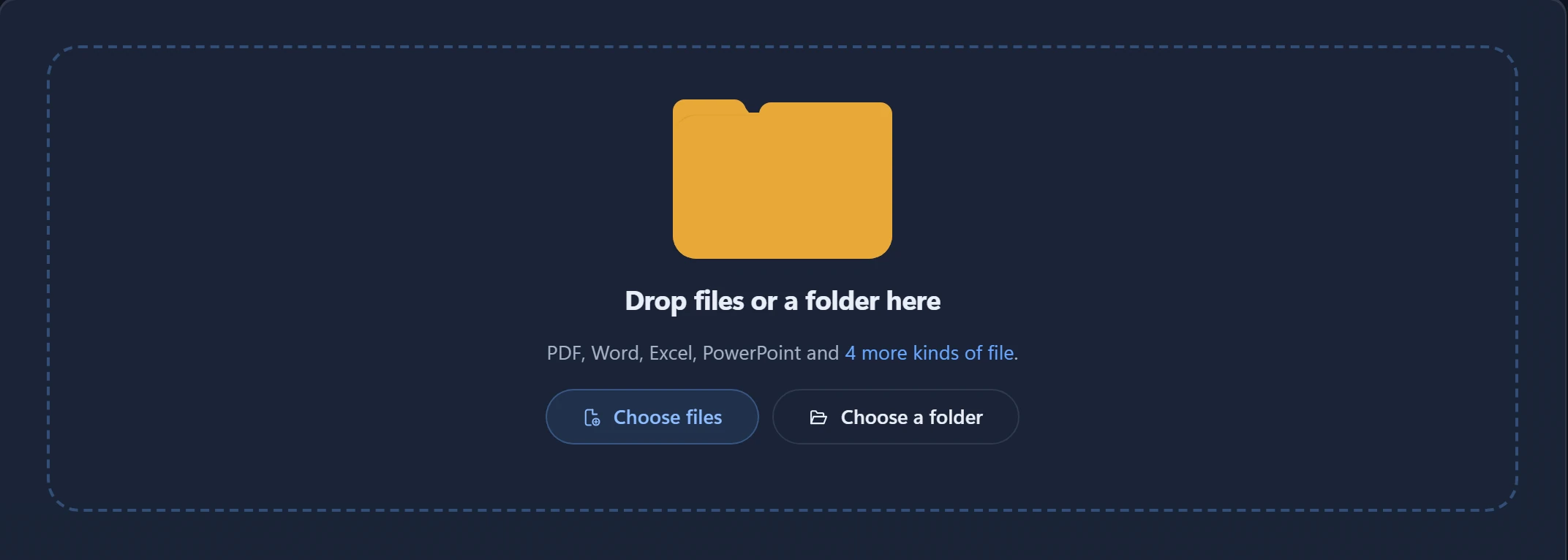
Drag your documents into Agnos, or choose a whole folder. It reads PDFs, Word, Excel, PowerPoint, web pages, CSV, JSON and text files.
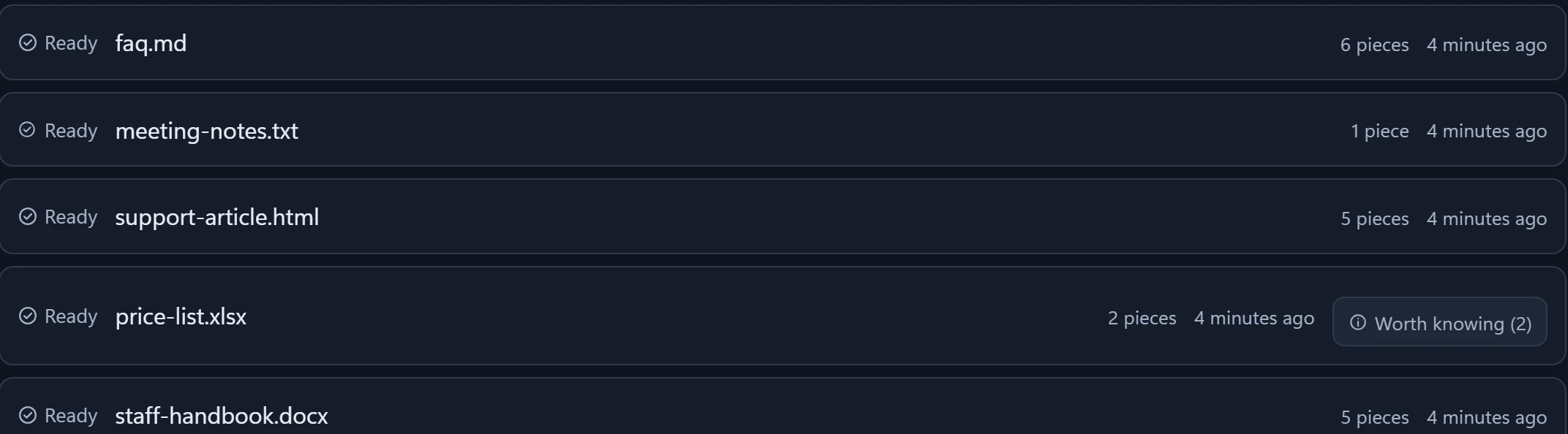

You give Agnos your documents. It takes out the junk, shows you what it took out, and gives you clean files for your AI. Here is each step, in the real app.
Step 1
Drag your documents into Agnos, or choose a whole folder. It reads PDFs, Word, Excel, PowerPoint, web pages, CSV, JSON and text files.
Step 2
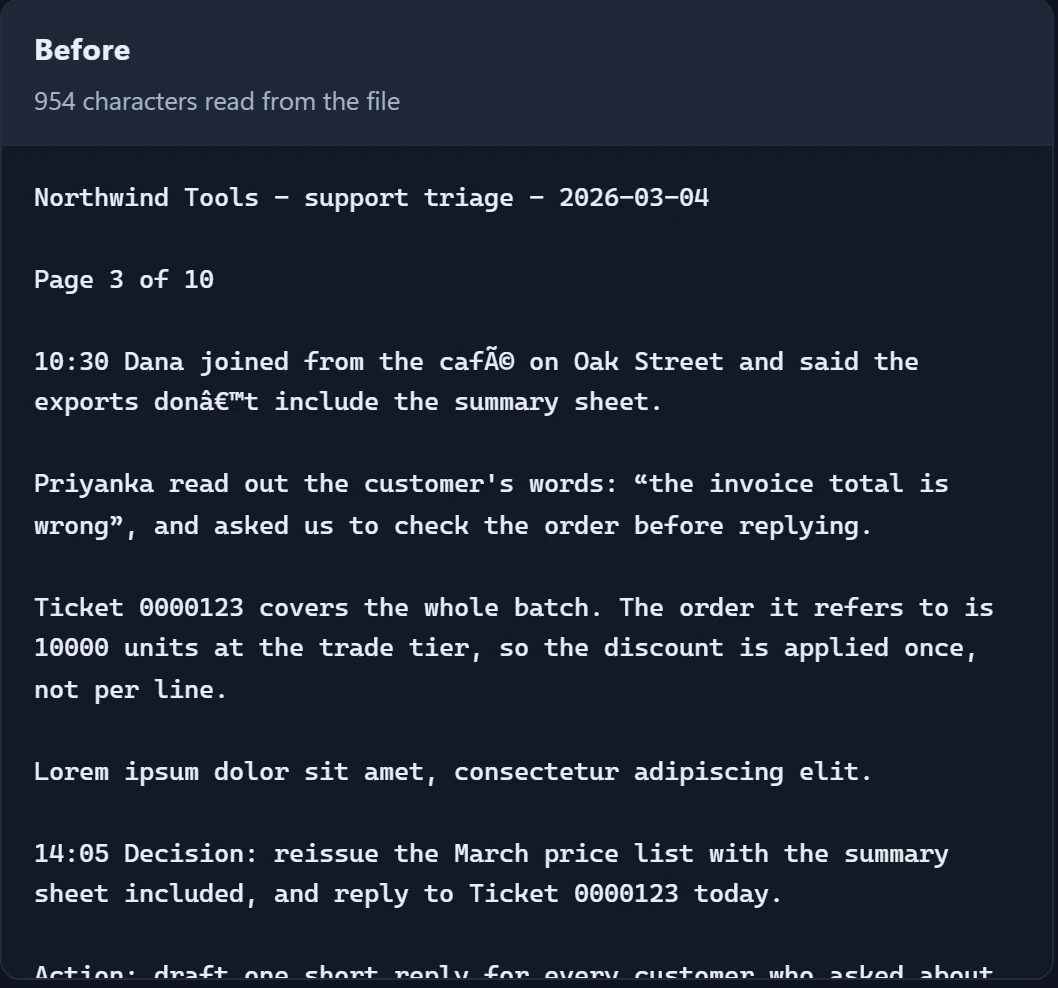
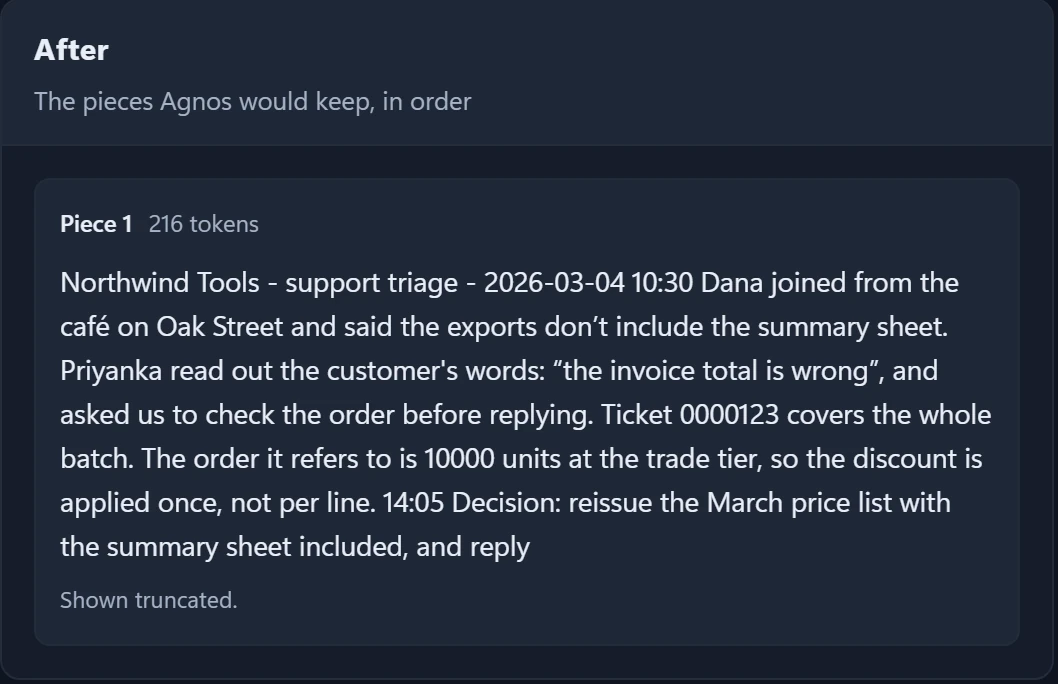
It takes out everything that isn’t real content: menus, cookie banners, page numbers and text that repeats.
In the picture: the file as it came in on the left, and what Agnos keeps on the right.
Step 3
Nothing disappears without a reason. Agnos lists every piece it took out, and the rule that took it. If you disagree, keep the piece or change the rule.


Step 4
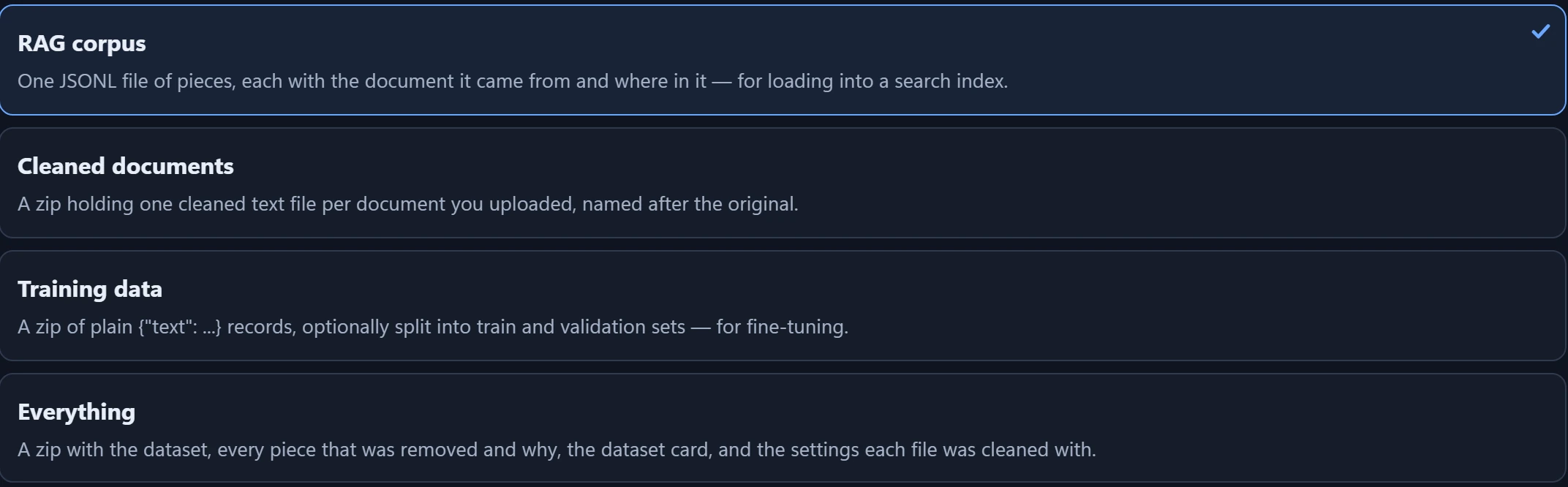
Download the clean result: one file for a chatbot or search tool, clean copies of your documents, or training data for an AI model.

Your documents are never uploaded, and Agnos works with the internet off. The only thing that goes online is a licence check: your key and your computer’s name.
More about privacy